Settings Overview
Welcome to the Settings and Configuration section of DooUMS. This comprehensive guide covers all system settings needed to customize DooUMS according to your organization's specific requirements and operational workflows.
What You'll Learn
This section covers all aspects of system configuration in DooUMS:
- General: Basic system configuration and organization settings
- Package Category: Define and manage Umrah package categories
- Package Color Tag: Configure color-coding system for package identification
- Flight: Flight-related settings and airline configurations
- Hotel: Hotel management and accommodation settings
- Transport: Transportation options and vehicle management settings
- Pilgrim Kit: Configuration for pilgrim kit items and requirements
Configuration Categories
General Settings
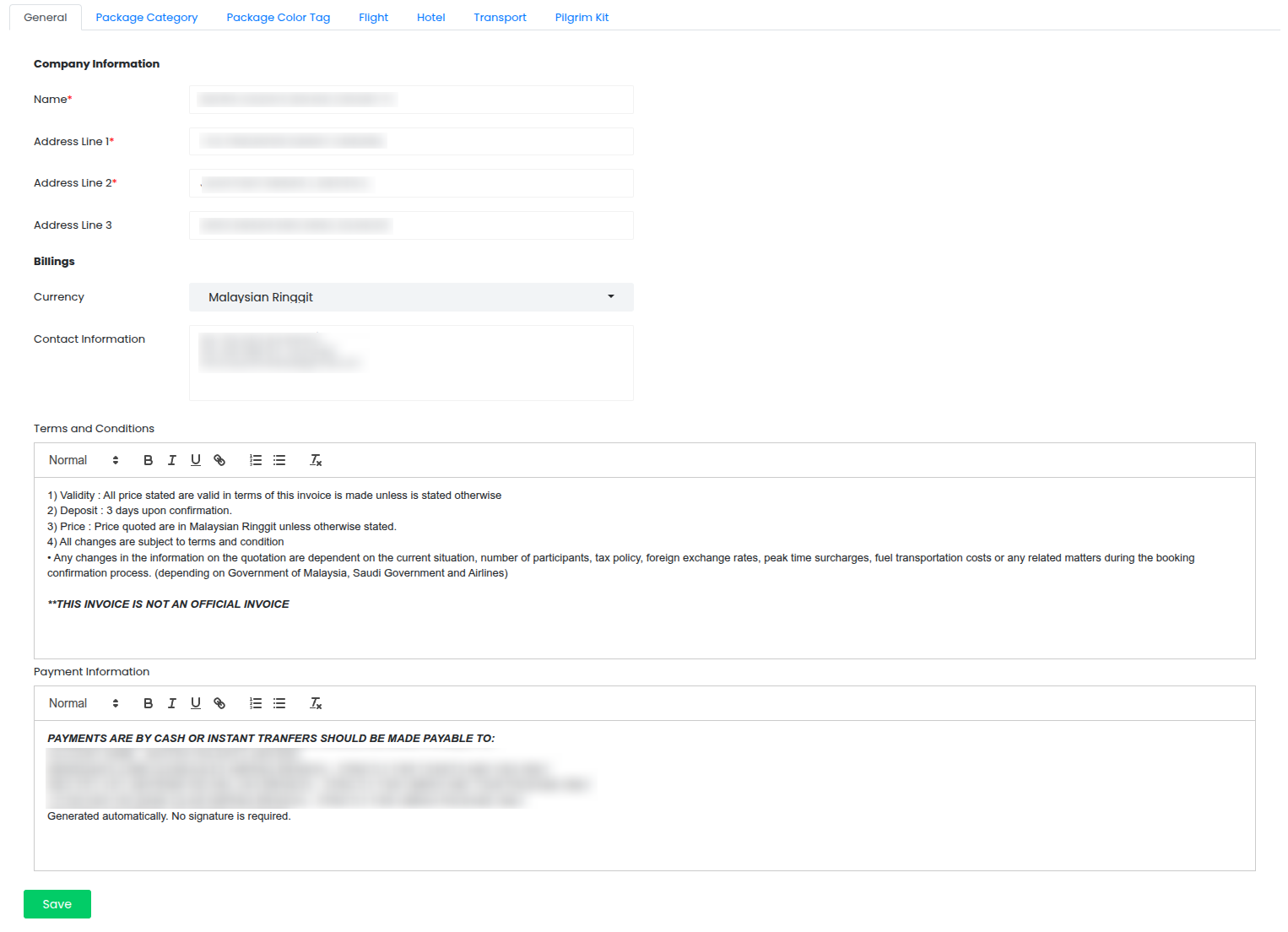
Configure basic system settings and organization information:
- Company Information: Set up your company name and business address
- Billing Settings: Configure billing currency and financial preferences
- Contact Information: Manage primary contact details for customer communications
- Terms and Conditions: Define your agency's terms and conditions for Umrah services
- Payment Information: Set up payment policies, terms, and default payment configurations
Package Category
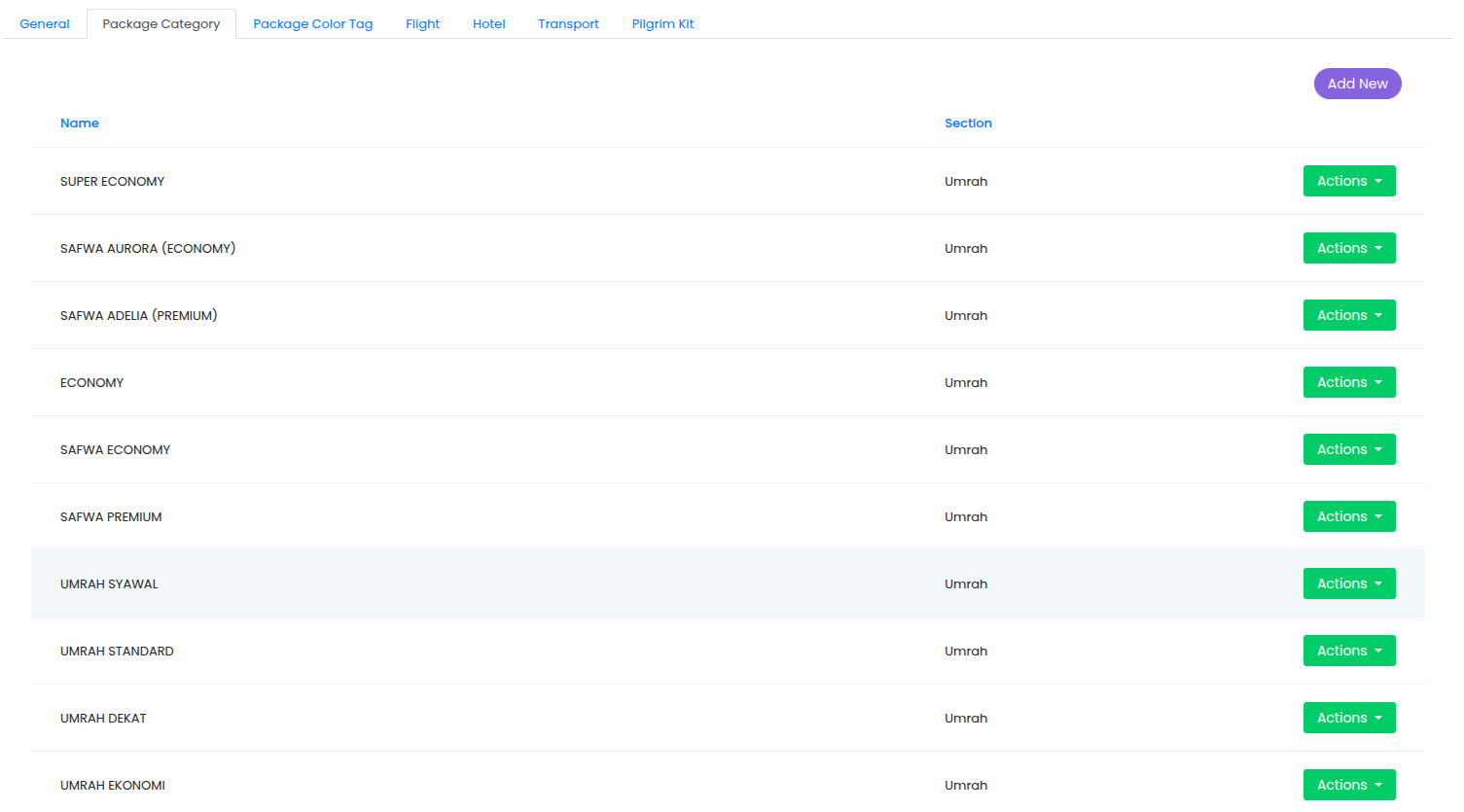
Define and manage different types of Umrah packages offered by your agency:
- Create and customize package category types (Economy, Standard, Premium, VIP, Custom)
- Set detailed category descriptions and featured services
Package Color Tag
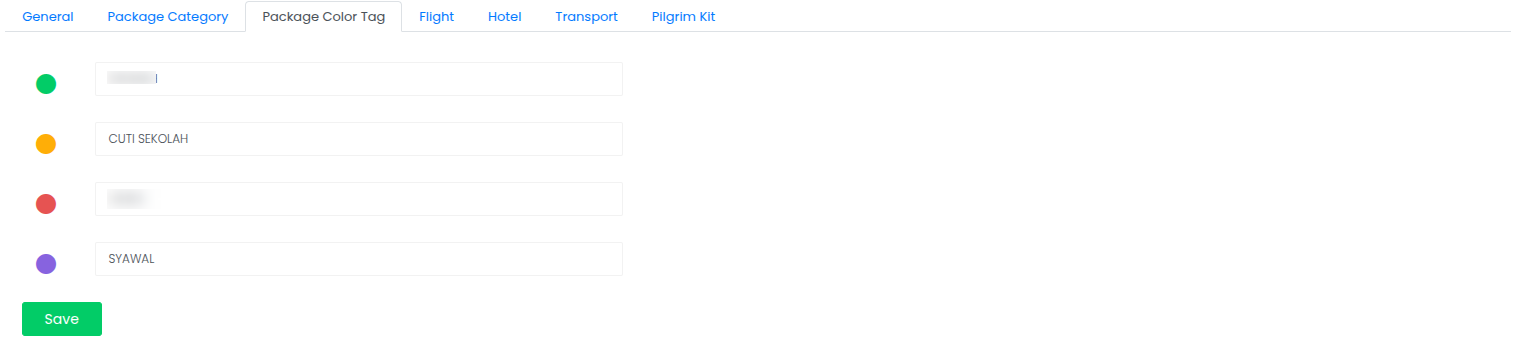
Set up visual color tags to differentiate packages in the package listing:
- Assign color tags to distinguish package types at a glance (e.g., green for affordable packages, red for high-end packages)
- Create custom color schemes that help staff quickly identify package categories
- Configure color-coded visual markers for easy package recognition in listings and dashboards
Flight Settings
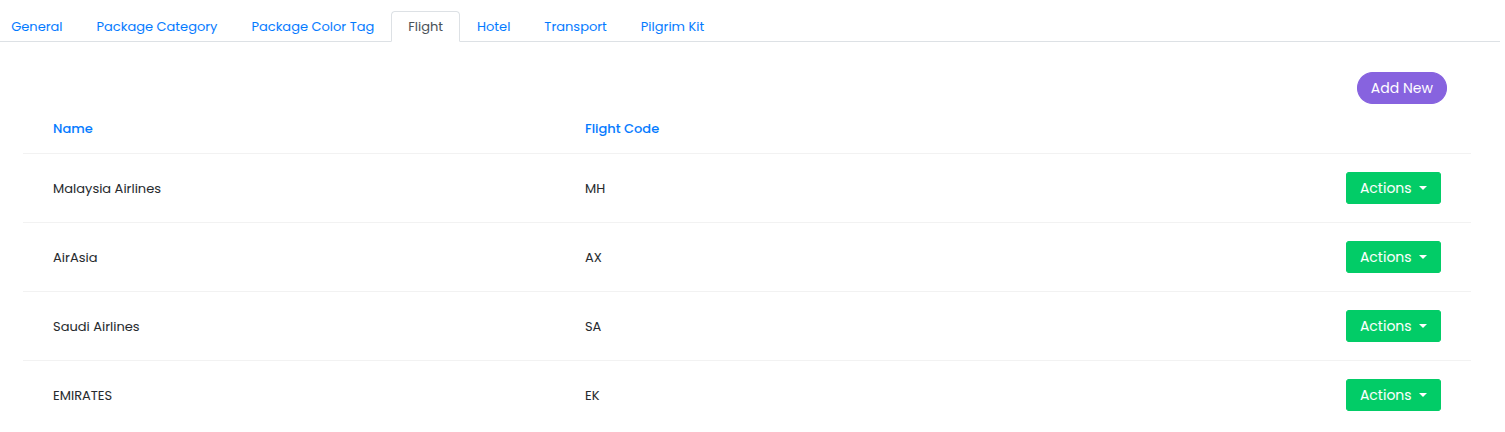
Configure flight organizations and airlines for package associations:
- Add and manage flight organizations and airline names
- Create a list of available airlines that can be associated with packages
- Maintain flight provider information for package configuration and booking
Hotel Management
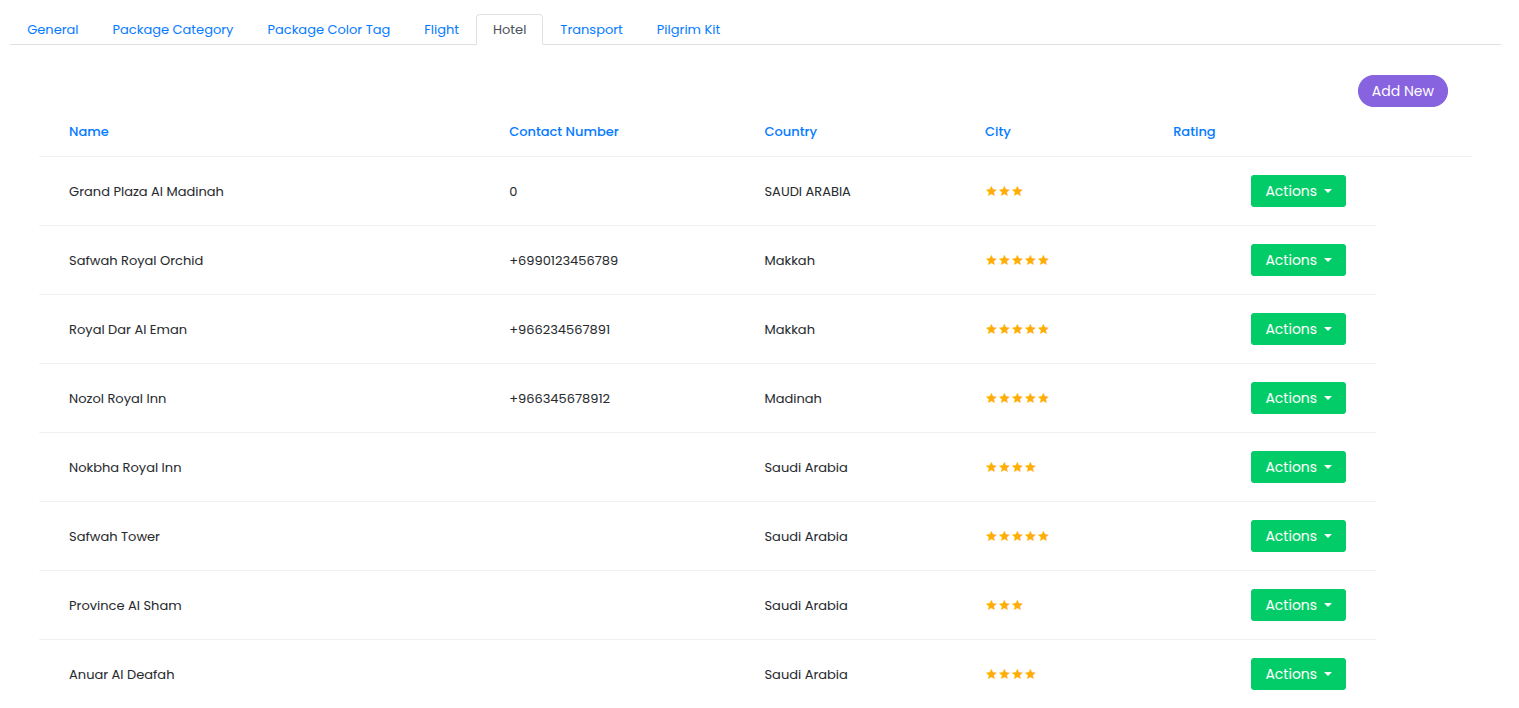
Set up hotel information for package associations:
- Add and manage hotel basic information
- Create a list of available hotels that can be associated with packages
- Maintain hotel provider information for package configuration and booking
Transport Configuration
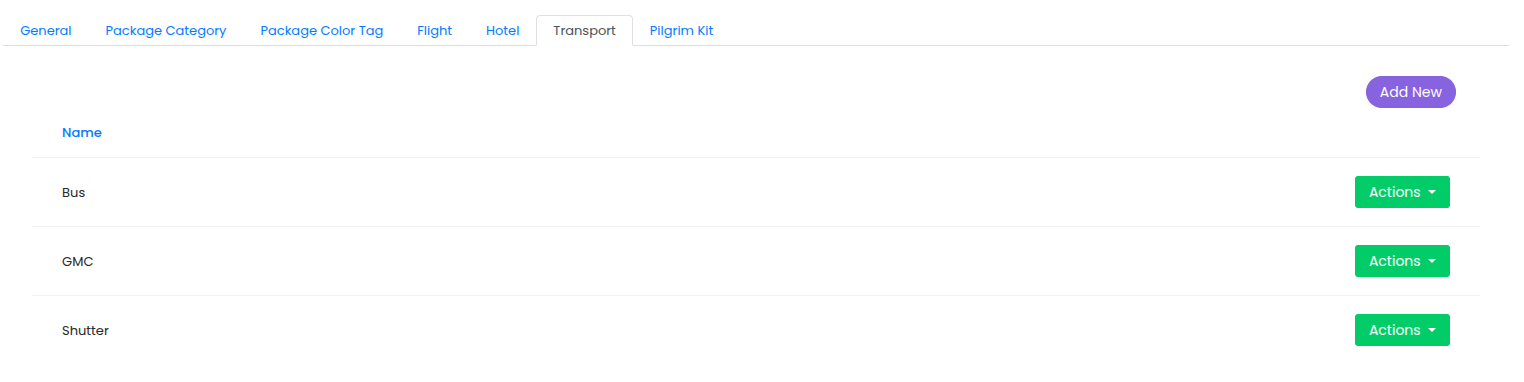
Configure transportation options for package associations:
- Set up vehicle types and capacity configurations (buses, cars, vans for different group sizes)
Pilgrim Kit Settings
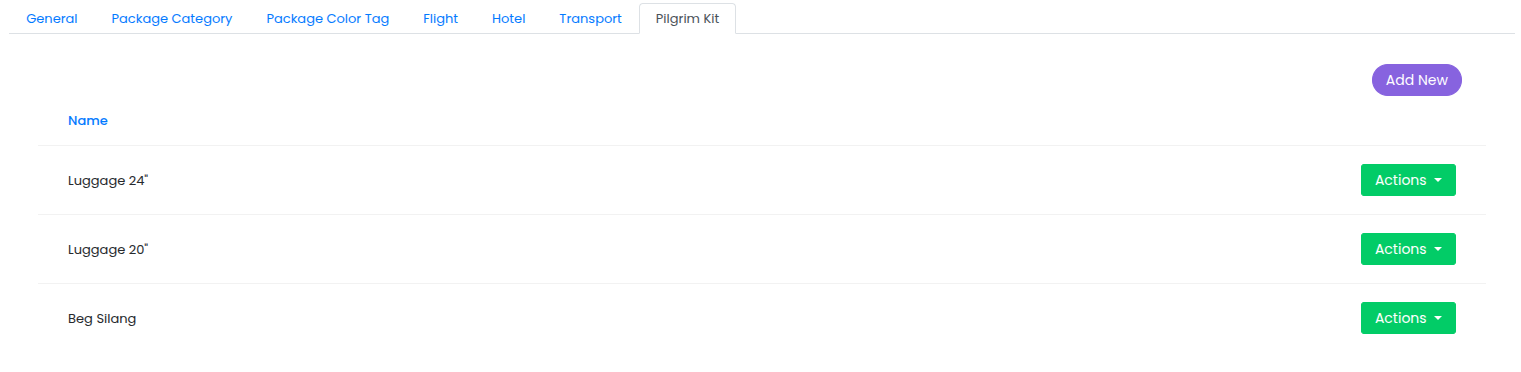
Manage pilgrim kit templates and items for distribution tracking:
- Create and name pilgrim kit templates containing essential items for pilgrims
- Define kit components such as documentation, religious items, practical essentials, and information materials
- Configure kit items that can be assigned to individual pilgrims (all items are set to active by default)
- Track which kits have been provided to each pilgrim through the pilgrim management interface
- Manage kit distribution status and inventory across all pilgrims in the system
Learn more about managing pilgrim kits.